
Most money apps either nag you or drown you in charts. Ugh, Bills just answers one question well: what's due, when, and will it fit? Enter bills by hand or optionally link an account through Plaid — Ugh, Bills never moves money or pays bills for you.
A look inside
What it does
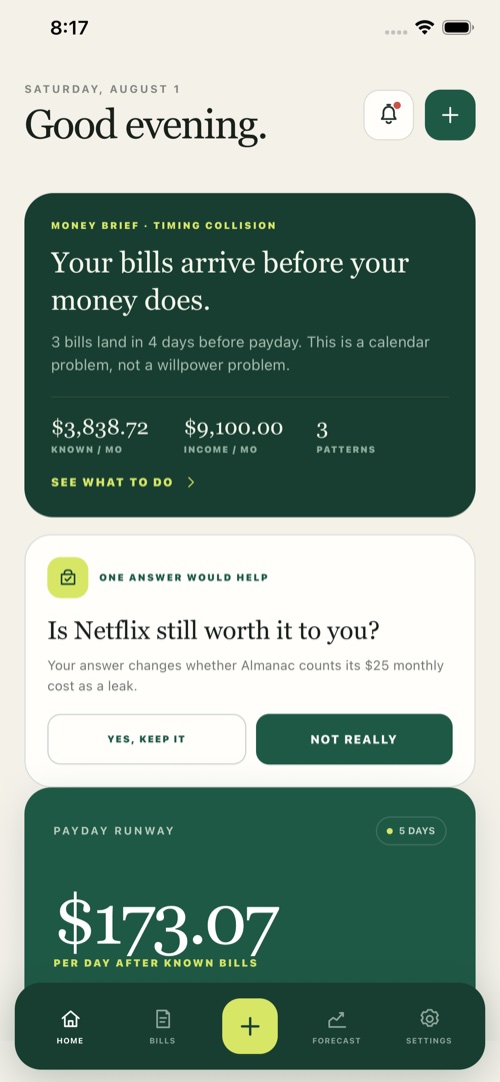
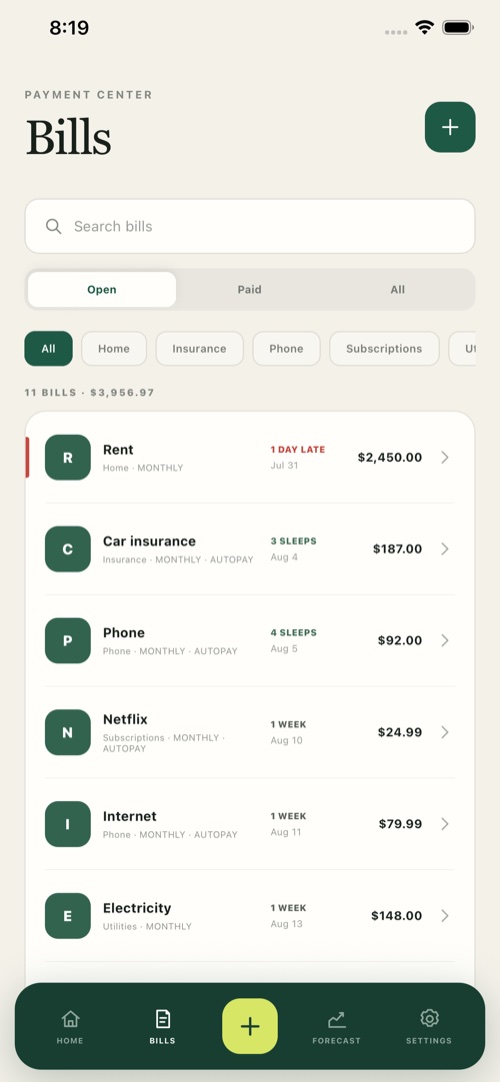
See what's coming
Track due dates and upcoming income together, so you know what's landing before it reaches your account.
Catch recurring charges
Spot the subscriptions and repeat bills you forgot you were paying, all in one list.
Connect only if you choose
Enter bills manually, or optionally link a bank through Plaid to detect them automatically. Linking is always optional.
Payday-aware
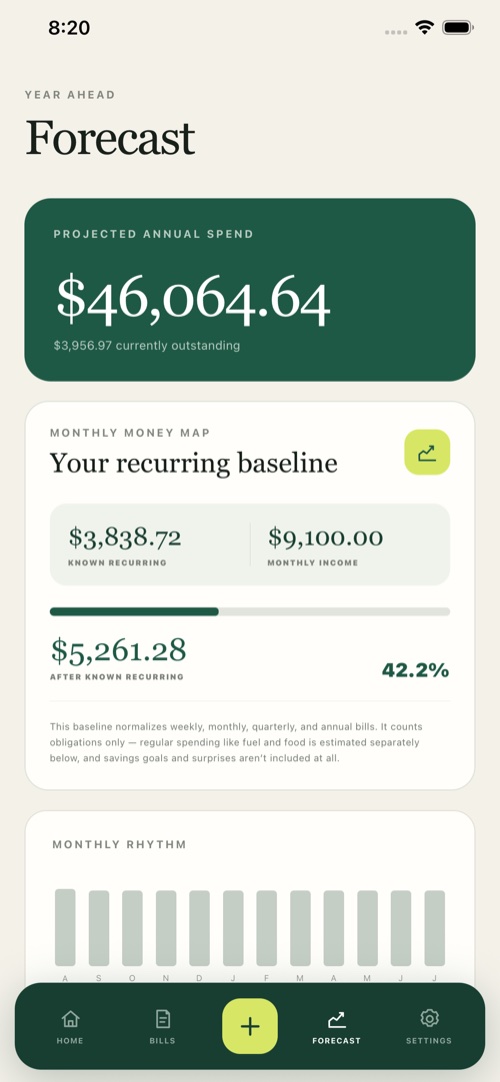
Line up bills against expected income so you can see whether the month actually works before it happens.
Your data, your control
Disconnect an institution or delete your account from the app at any time. We don't sell data or use it for ads.
Not financial advice
Ugh, Bills is an organizing tool for your own money. The decisions stay yours.
Pricing
Free
$0
- Track bills and income by hand
- See due dates and what's coming
- Local reminders on your device
Premium
$4.99 / mo
or $39.99 / year
- Optional bank linking via Plaid
- Automatic recurring-bill detection
- Payday runway & cash-flow forecast
- The full picture, no limits
Questions
What does Ugh, Bills actually do?
It brings your recurring bills and expected income into one place, then shows what's due, when, and whether it fits before payday. It's for seeing the month clearly — not budgeting envelopes or moving money.
Do I have to connect my bank?
No. You can enter everything by hand. Linking a bank through Plaid is optional and just automates recurring-bill detection. Ugh, Bills never moves money or pays bills for you.
Is my financial data safe?
Data is encrypted in transit and at rest, bank tokens get an extra layer of encryption, and we never sell your data or use it for ads. Bank connectivity is handled by Plaid. See the privacy policy.
Is this financial advice?
No — Ugh, Bills is an organizing tool. Its forecasts are informational, and the decisions about your money stay yours.
How do subscriptions and deletion work?
Premium is billed through your Apple account; manage or cancel in Settings → your name → Subscriptions. You can delete your account and data anytime from Settings → Delete account — see Delete your account.
Ready enough?
Download Ugh, Bills
Track bills, subscriptions, and payday timing before the month gets cute.
Download on theApp Store